
Google Calendar: HubSpot will only sync with the primary or default calendar. Additionally, events created before you connect your calendar won't sync to HubSpot. This is true even if guests for such events exist as a contact in your HubSpot account and have the same email address in the Email property. Only events created in Google and Office 365 while the integration is active will be synced to the contact's timeline.
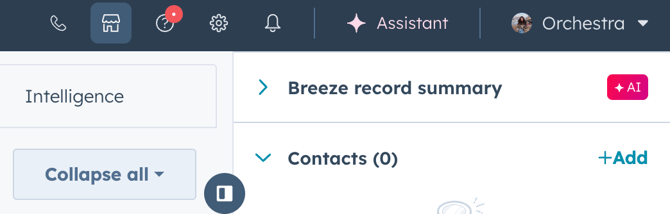
- In your HubSpot account, click the Marketplace icon marketplace in the top navigation bar,
then select HubSpot Marketplace.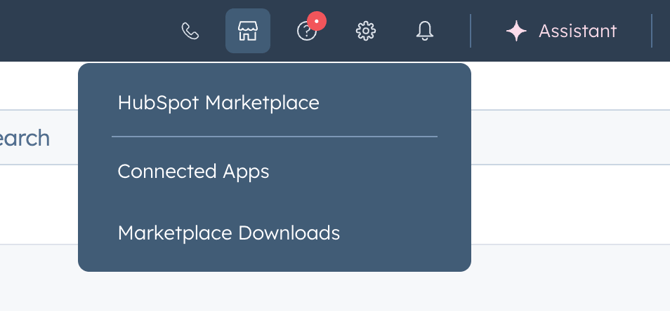
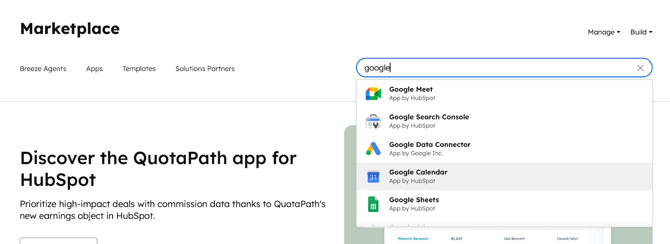
- Search for the Google Calendar integration, and select Google Calendar in the results.
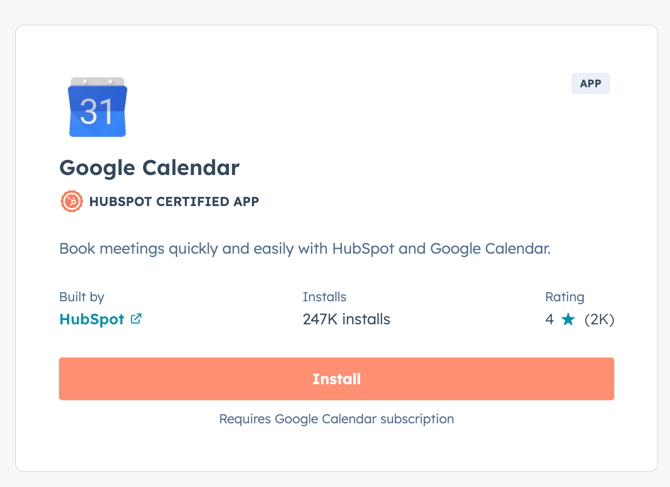
- Click Install.
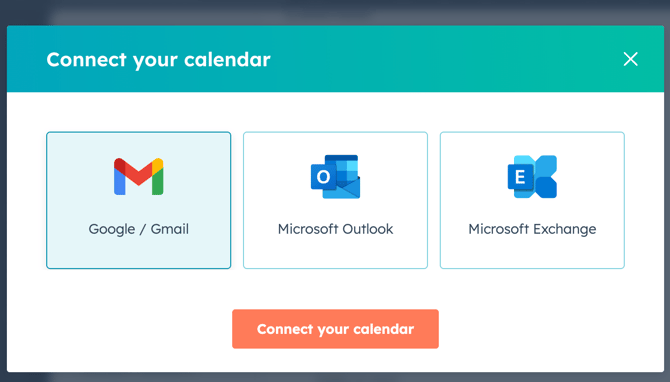
- In the Connect your calendar pop-up window, select Google/Gmail. Then click Connect your calendar.
- You'll be redirected to Google to sign in or choose a Google account if you have multiple accounts (choose the Google account associated with your HubSpot login).
- Click Allow.