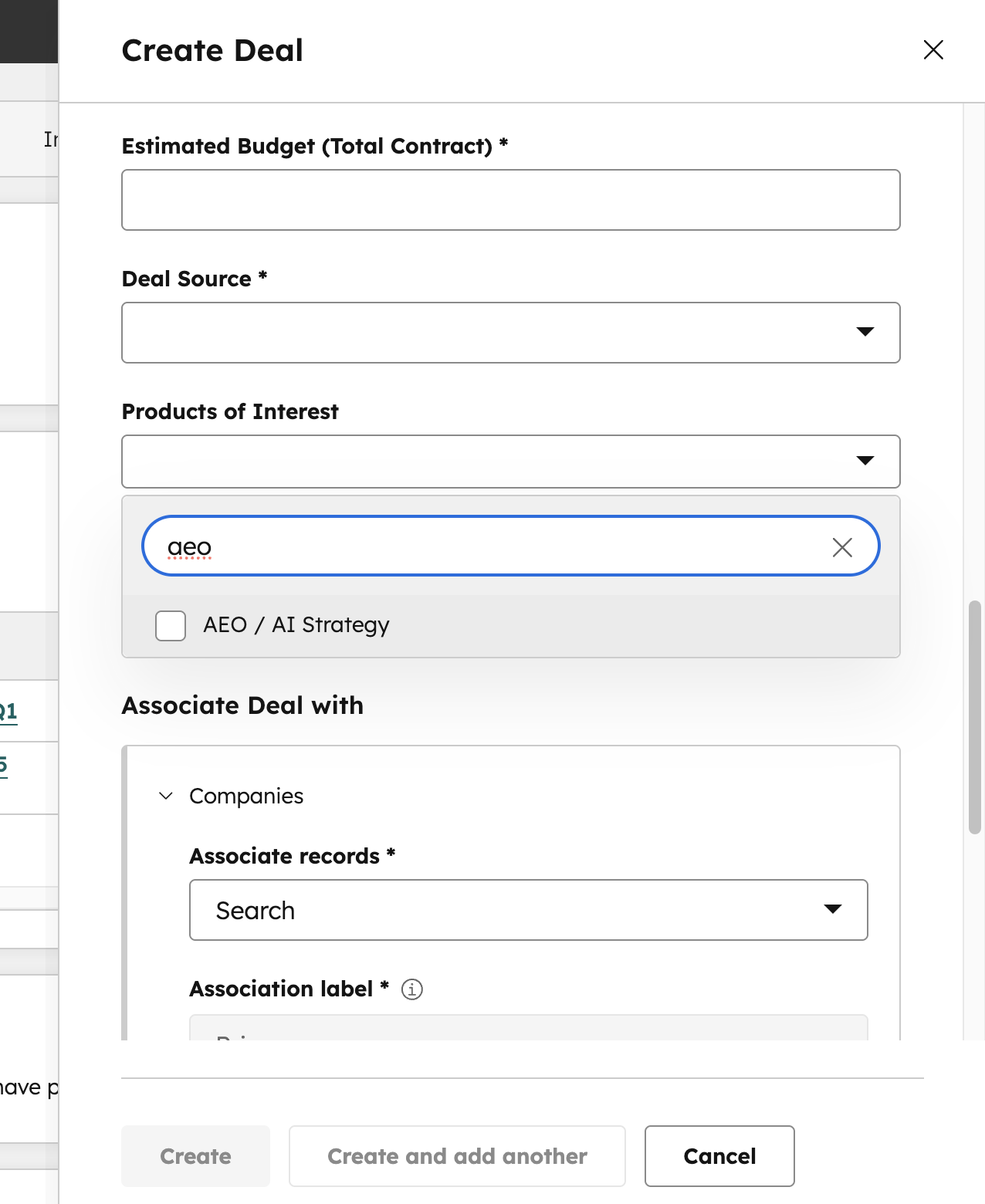
What’s happening: We've added a new tag in HubSpot, making it easy for us to identify which accounts we're incorporating AEO into our strategy.
What you do: Find the client or prospect in HubSpot and tag it with the new AEO tag, which let’s us know AEO is an “area of interest” on that account. The definition of “interest” is a loose one. We want everyone having conversations with clients and prospects about AEO and everyone incorporating AEO best practices into their client work to get credit.
How To:
- Go to your client in HubSpot
- Click on your current scope
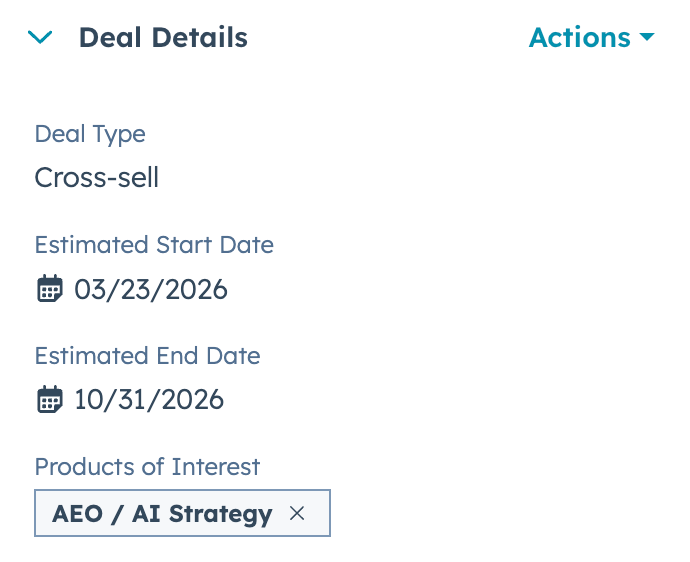
- Look to the left hand side of HubSpot under “Deal Details”
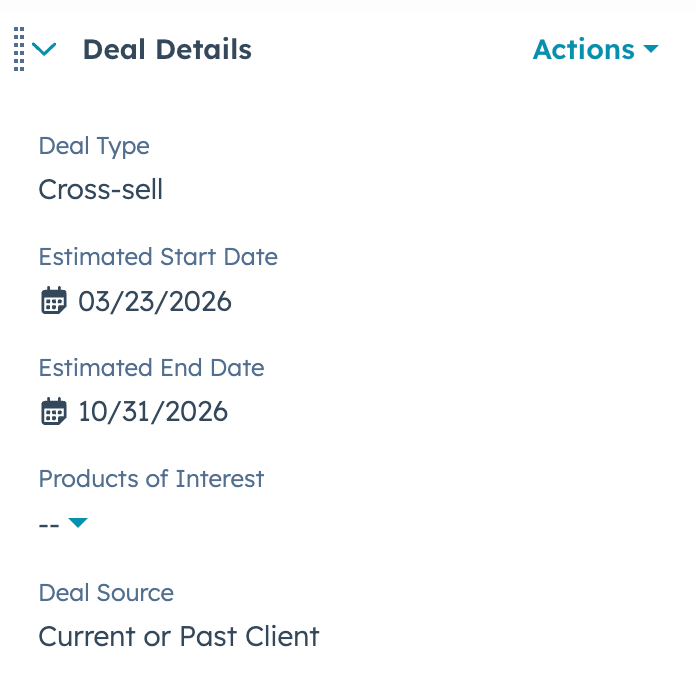
- Click the drop down menu to show the products of interest
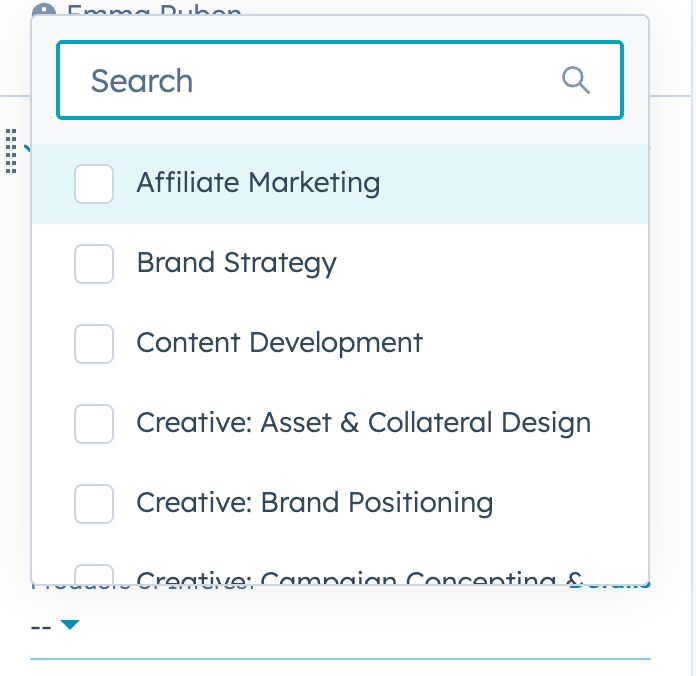
- Select AEO / AI Strategy from the options, as pictured below.
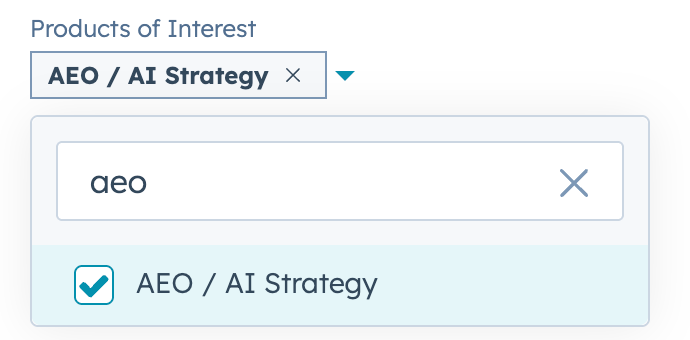
- Once completed, your deal will have the AEO tag attached to it.
Please note that you can ALSO add products of interest from the Deal Create form when you add the deal: