
To edit the Primary Company on a deal record, add the correct company to the deal record and mark as the primary company on the right-hand side.
.png?width=670&height=324&name=image%20(1).png)
Click +Add.
Search and select the company you want to update to.
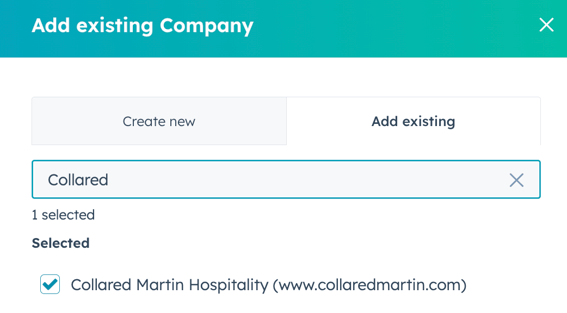
Click Next.
Select the checkbox to "Replace [Company] as [Deal Name's] current primary."
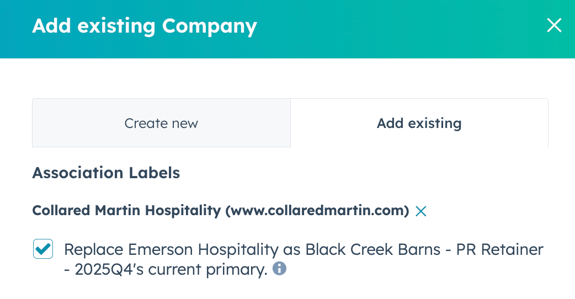
Click Save.