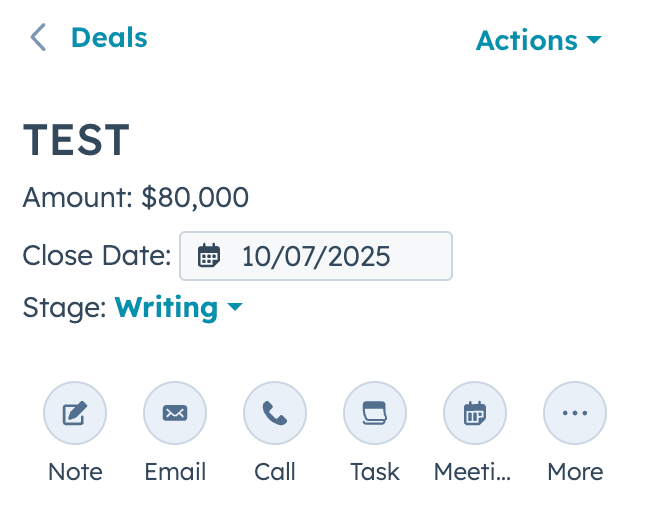
HubSpot has the following retainer options in the Product Library to choose from:
- 6-Month Retainer
- 12-Month Retainer
- 24-Month Retainer
- 36-Month Retainer
- Until Terminated Retainer (Evergreen)
For these retainers, the Unit Price is the MRR (monthly retainer rate) and the Quantity is 1. HubSpot will automatically do the math to calculate the total value of the retainer.
If your retainer does not fit into any of these options, then create a customer retainer. Please note that any retainers 3 months or less are considered Project Fees in HubSpot.
How to Create a Customer Retainer
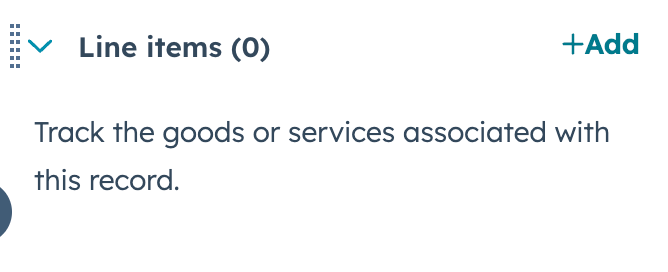
- Click Add in the upper right-hand corner next to Line Items.
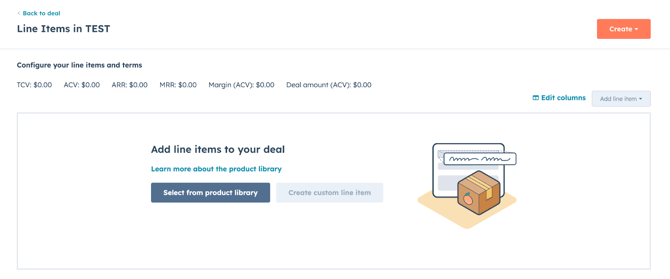
- Click Select from Product Library.
-
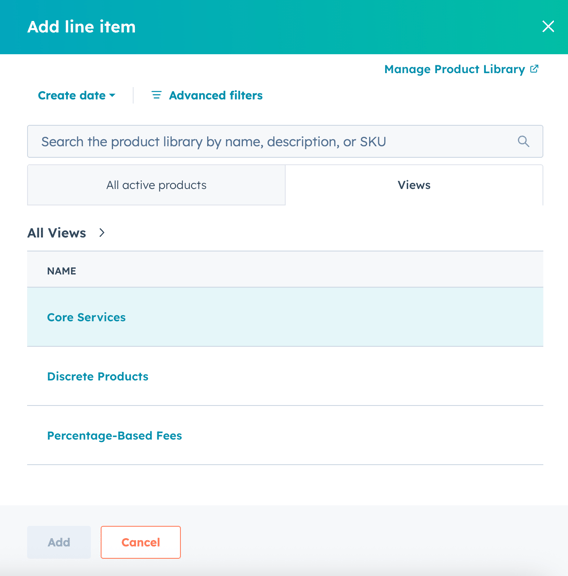
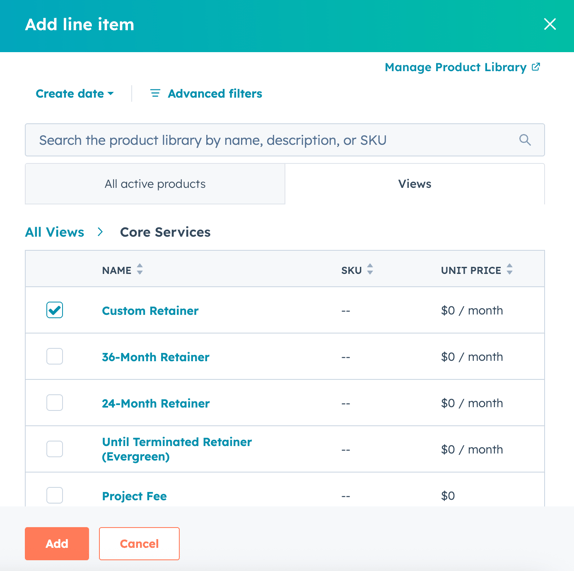
Search Custom Retainer OR Click Views and then Core Services.
Check the box and click Add.
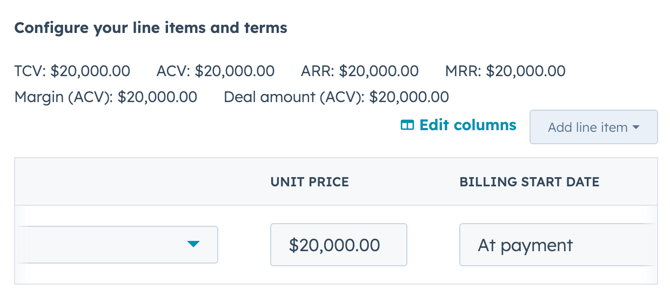
- Add the monthly retainer amount under Unit Price.
- Enter the number of months the retainer will run for under Quantity. The MRR (monthly retainer rate) should be equal to the Quantity x the Unit Price.
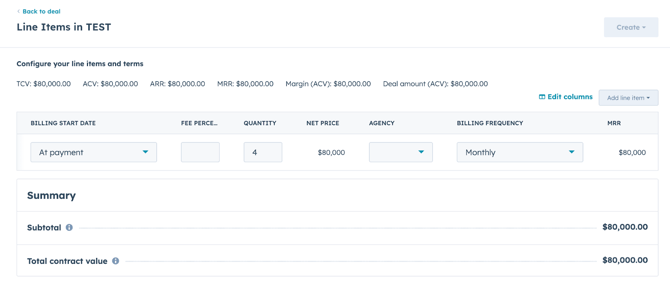
- Confirm you want to update he Amount on the home page, and the total budget of the deal will automatically be updated to match the MRR.