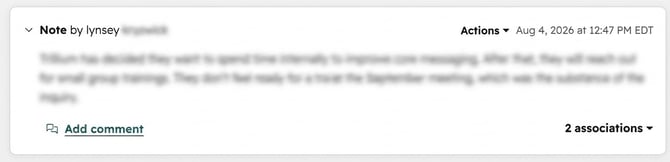
1. Click on the note to see the associations button in the bottom right-hand corner.
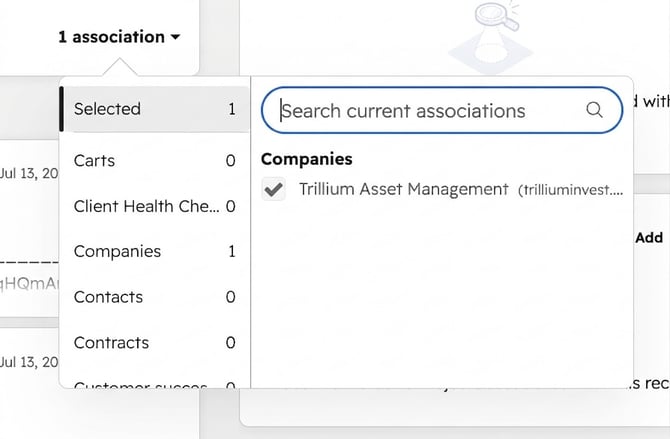
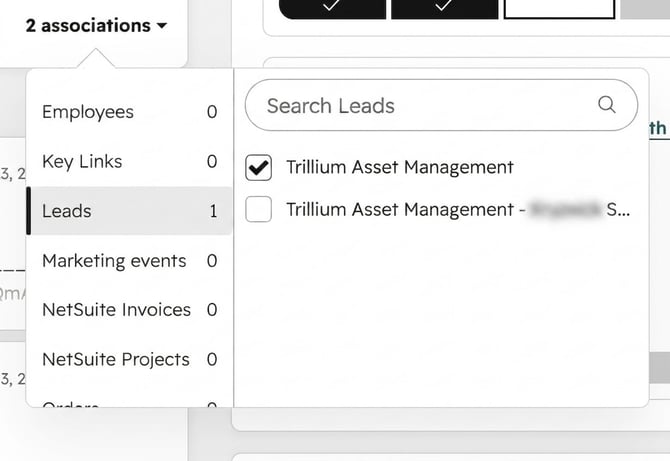
2. Click on the associations button and scroll to find the Lead tab on the left hand bar. You can also search for the lead by its name in the search bar.
2. Click on the associations button and scroll to find the Lead tab on the left hand bar. You can also search for the lead by its name in the search bar.